
Talk to Your Conferences from Claude, ChatGPT, and More

The chat window is becoming the new OS. The next big shift in UI/UX is conversational — describe what you need and the AI handles the rest. MCP (Model Context Protocol) is the open standard making this possible, and PaperFox now supports it.
Ask Instead of Click
PaperFox's web app is still the best place for complex workflows. But many day-to-day tasks are simple lookups — and for those, a conversation is faster:
- "How many papers for DSW 2027?" — Submission counts, status breakdown, and acceptance rates.
- "How are reviews going for ICMR 2027?" — Completion rates, pending assignments, overdue reviewers.
- "Show me dsw2027-1" — Full submission record: title, abstract, authors, review status.
- "What's the ICAI 2027 program?" — Published schedule with sessions, speakers, and papers.
Same data, same permissions — just a different way to get to it.
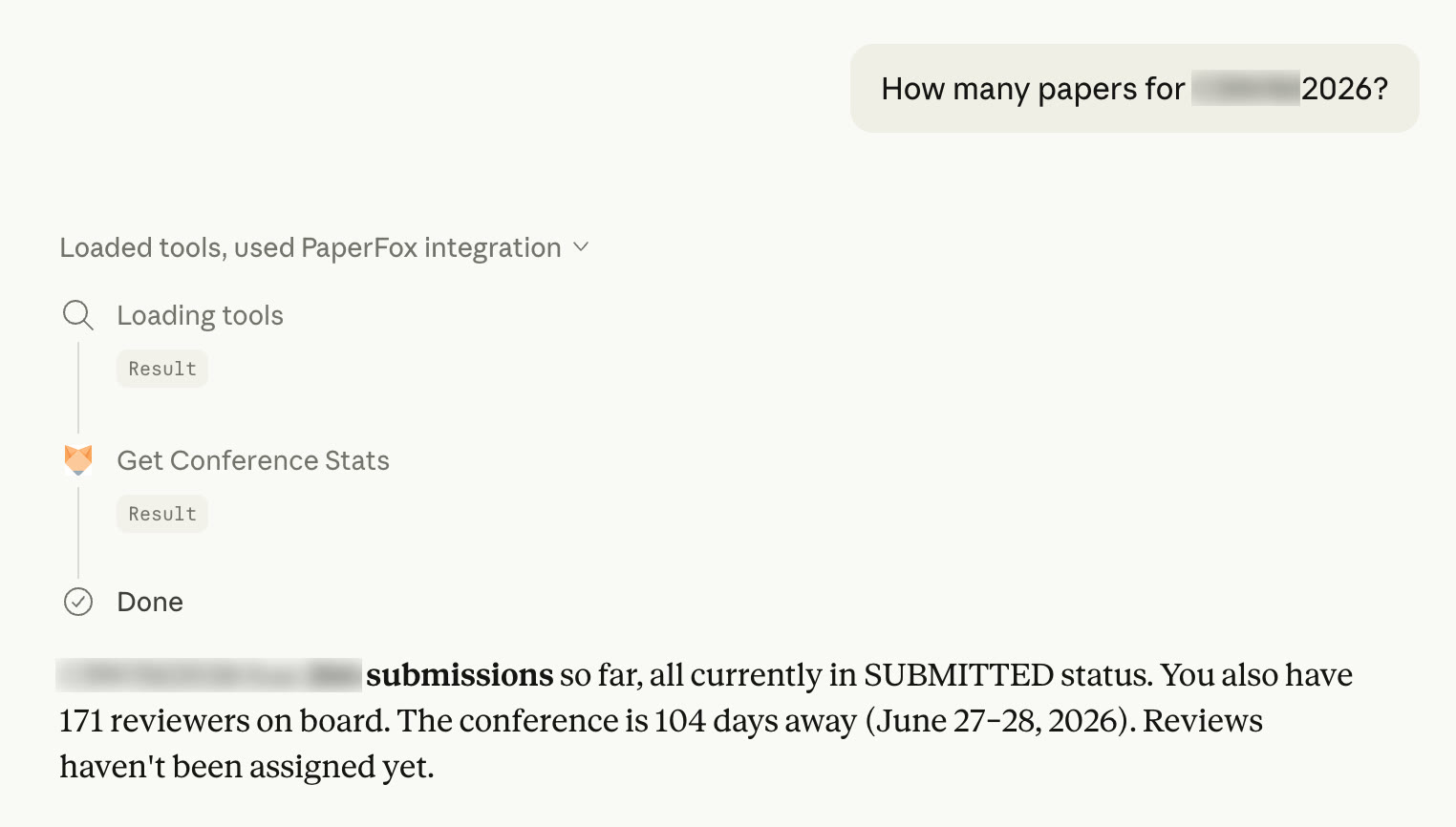
Checking submission stats from ChatGPT — one question, instant answer
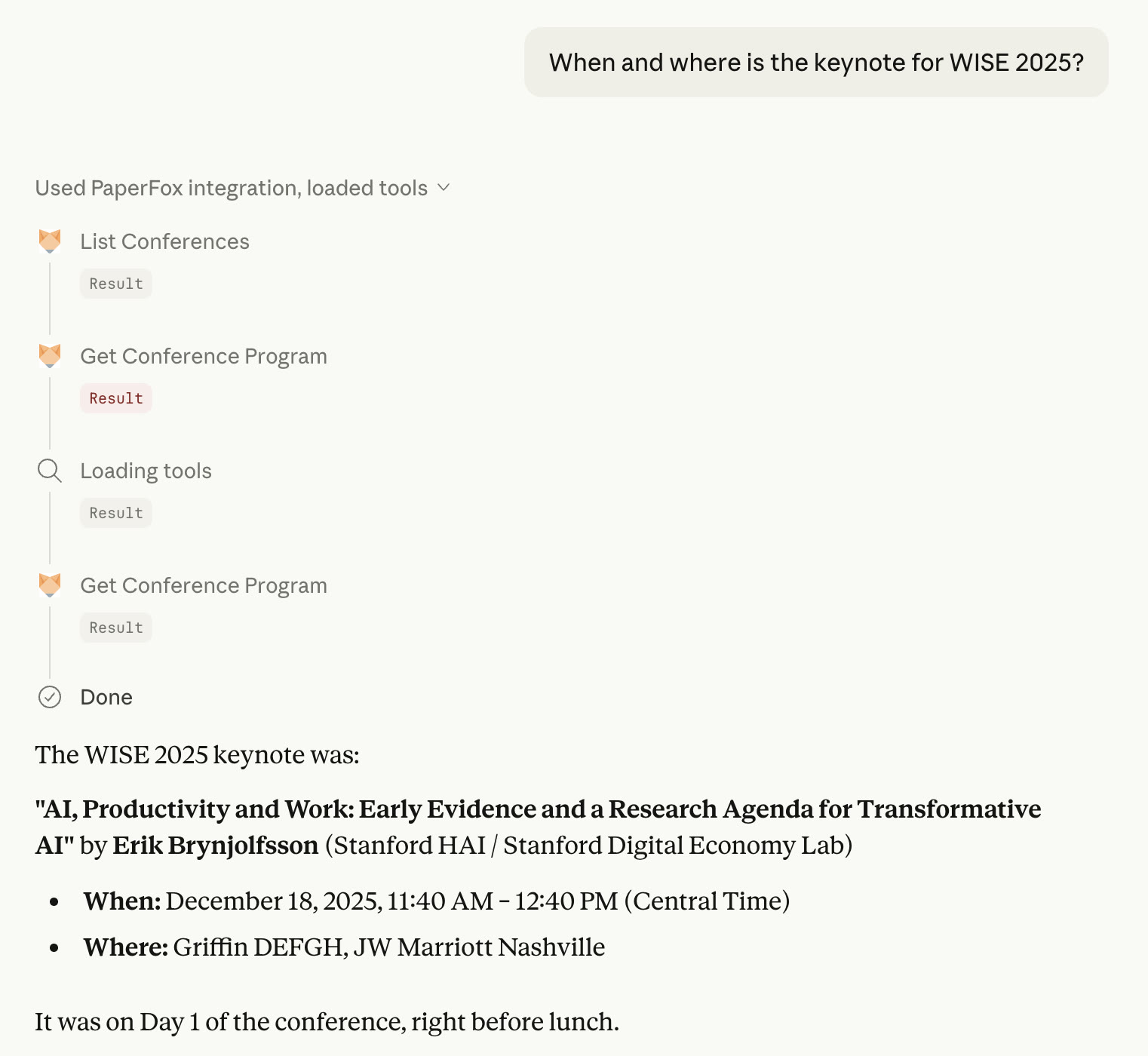
Looking up keynote details — the AI calls the right tools automatically
What's Available Today
PaperFox MCP supports a growing set of tools for reading and managing conference data:
For chairs: Conference statistics, track-level stats, review progress monitoring, and submission lookups — the queries chairs ask most often, now available in a single sentence.
For authors: List your submissions and check paper status.
For everyone: Browse conference programs, discover sessions and speakers, and explore conference information.
All actions respect your existing PaperFox permissions. A reviewer can't access chair-only stats, even if the AI tries. Authentication uses OAuth 2.1 — no API keys to manage, and your password is never shared with the AI.
Early Access — Try It and Tell Us What You Think
MCP support in PaperFox is experimental. We're actively developing new tools and improving the experience. Planned additions include:
- Review tools: Submit reviews, update scores
- Decision tools: Record accept/reject decisions
- Notification tools: Send emails to authors and reviewers
- Program tools: Add sessions and schedule talks
The goal is simple: if you can do it on PaperFox, you should be able to do it from your AI assistant.
We'd love your feedback. Try connecting your AI assistant, run a few prompts, and let us know what works, what doesn't, and what tools you'd like to see next. Drop us a note on our Community Forum or email us at support@paperfox.ai.
Get Started
See our MCP documentation for setup instructions for Claude Desktop, ChatGPT, Cursor, and other clients.