
Launch Your Conference Website in Minutes

You may not need WordPress or Wix for your conference website. Those tools are powerful, but often overkill for academic conferences—too many features with steep learning curves. What most conferences actually need is a simple, clean website that's easy to update.
PaperFox's built-in website editor gives you exactly that. Create pages, customize your design, and connect submissions, program, forum, and registration with a few clicks. Launch your site the same day you set up your conference.
Key Capabilities
- Custom pages — Build pages for calls for papers, committees, venue, sponsors, and more
- Drag-and-drop navigation — Reorder pages, create submenus, control visibility
- Rich text editor — Headers, lists, images, links, and file uploads
- Banner customization — 22 color themes, custom images, flexible sizing, and image-only mode
- Navigation bar — Upload a logo, choose above or overlaid position, go full-width
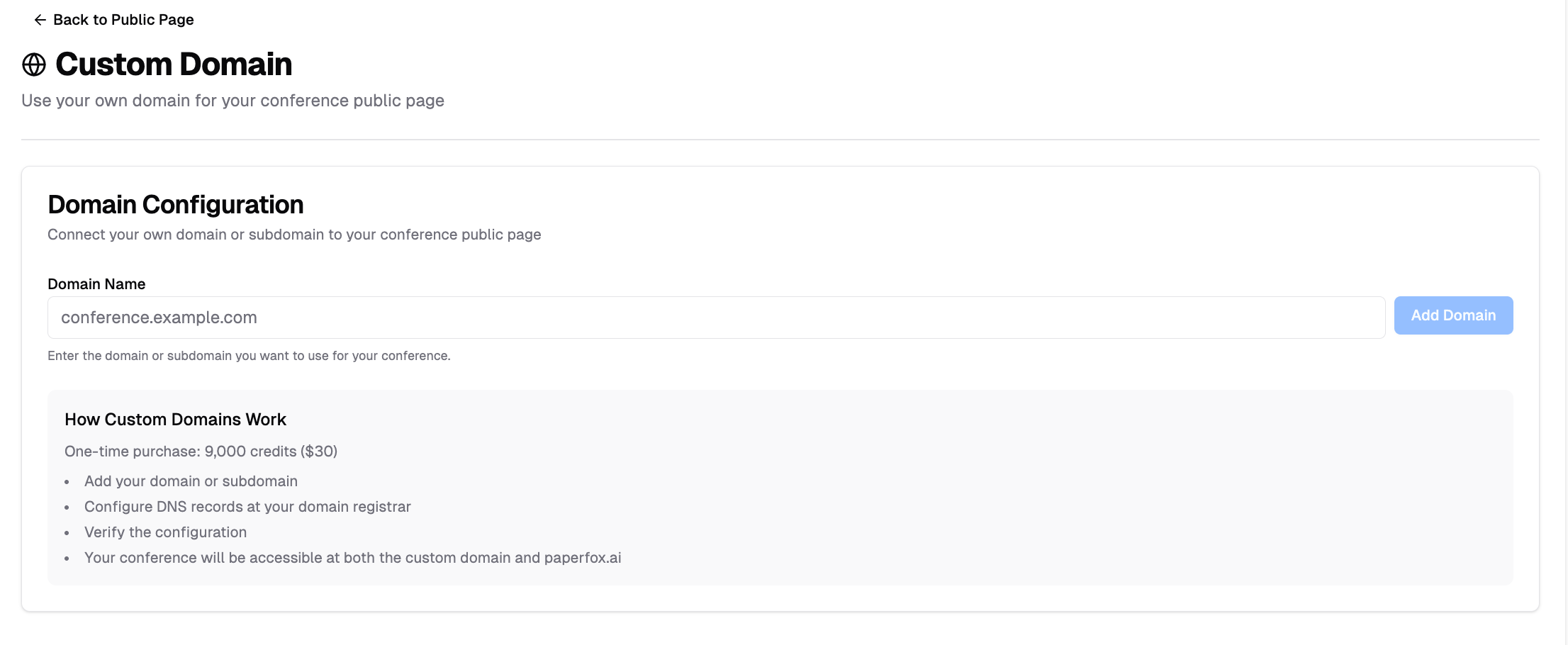
- Custom domain — Use your own conference URL (e.g., icai2025.org)
- Live preview — See exactly how changes look before publishing
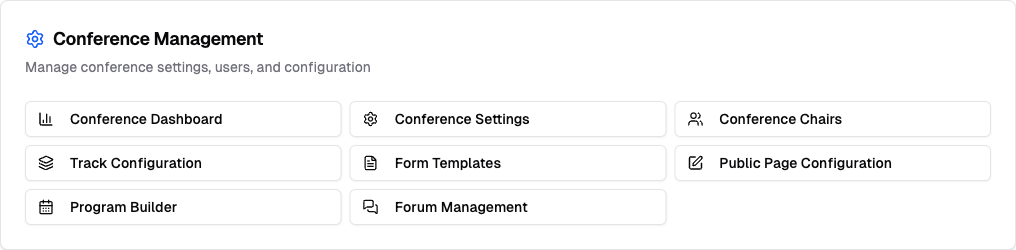
Banner & Navigation
The Landing Page Customization panel controls everything visitors see above the fold.
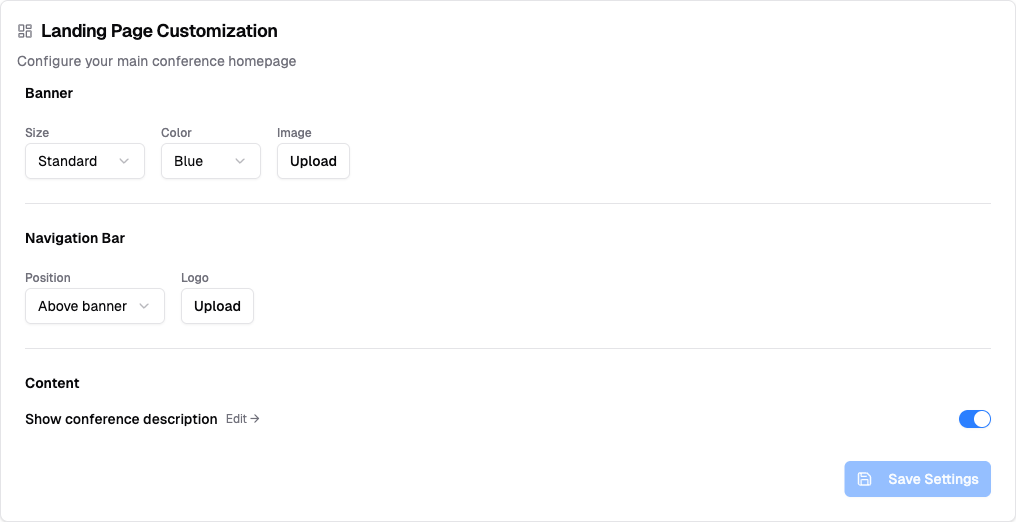
Banner
Choose a Size (Compact, Standard, or Full Screen), pick from 22 color themes, and optionally upload a photo. After uploading, a Reposition button lets you drag a focus bar to choose which part of the image stays in frame as the banner resizes across screen sizes.
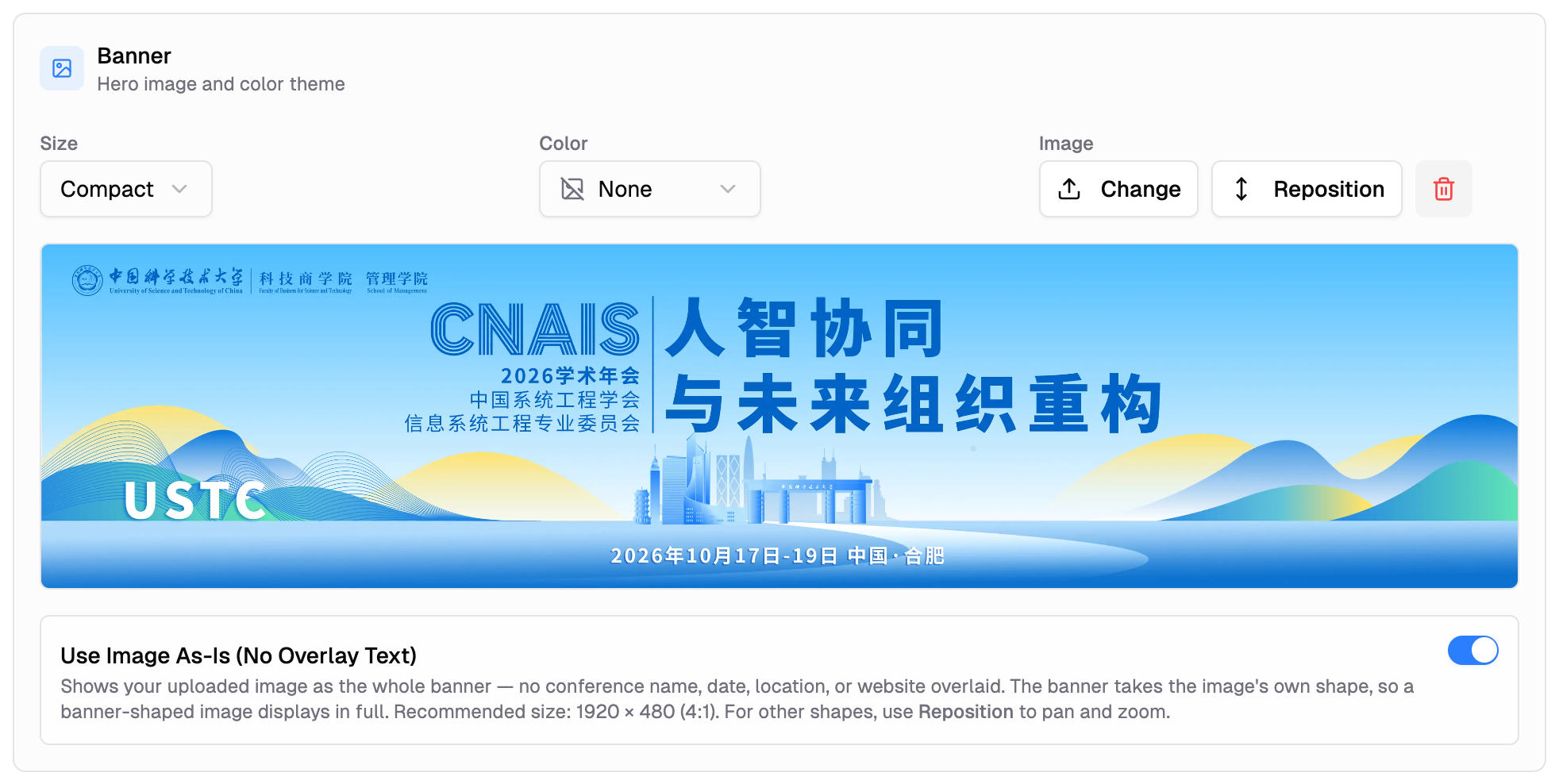
New: Use Image As-Is (4:1, No Overlay Text). When you upload a banner image, a toggle appears that locks the banner to a 4:1 aspect ratio and hides the conference name, date, location, and website link overlay. Use this when your image already includes event branding. Recommended upload size: 1920 × 480.
Navigation Bar
Control how the nav appears on your site:
- Position — "Above banner" or "Overlaid" on top of it (Full Screen forces overlaid)
- Logo — Upload your conference logo and choose Small, Medium, or Large size
- Full width — Stretch the nav bar edge-to-edge
Page Editor
Five built-in pages — Home, Submission, Program, Registration, and Forum — come pre-connected to PaperFox. Rename any of them to fit your conference (including Chinese, Japanese, or any script); the URL stays the same.
Add unlimited custom pages for CFP, committee, venue, and more. Each gets a URL slug — type a non-English name and the ✨ button translates it to a clean slug automatically.
Drag pages to reorder or nest into submenus. Use the eye icon to hide a page from the menu without deleting it.
Rich Text Editor
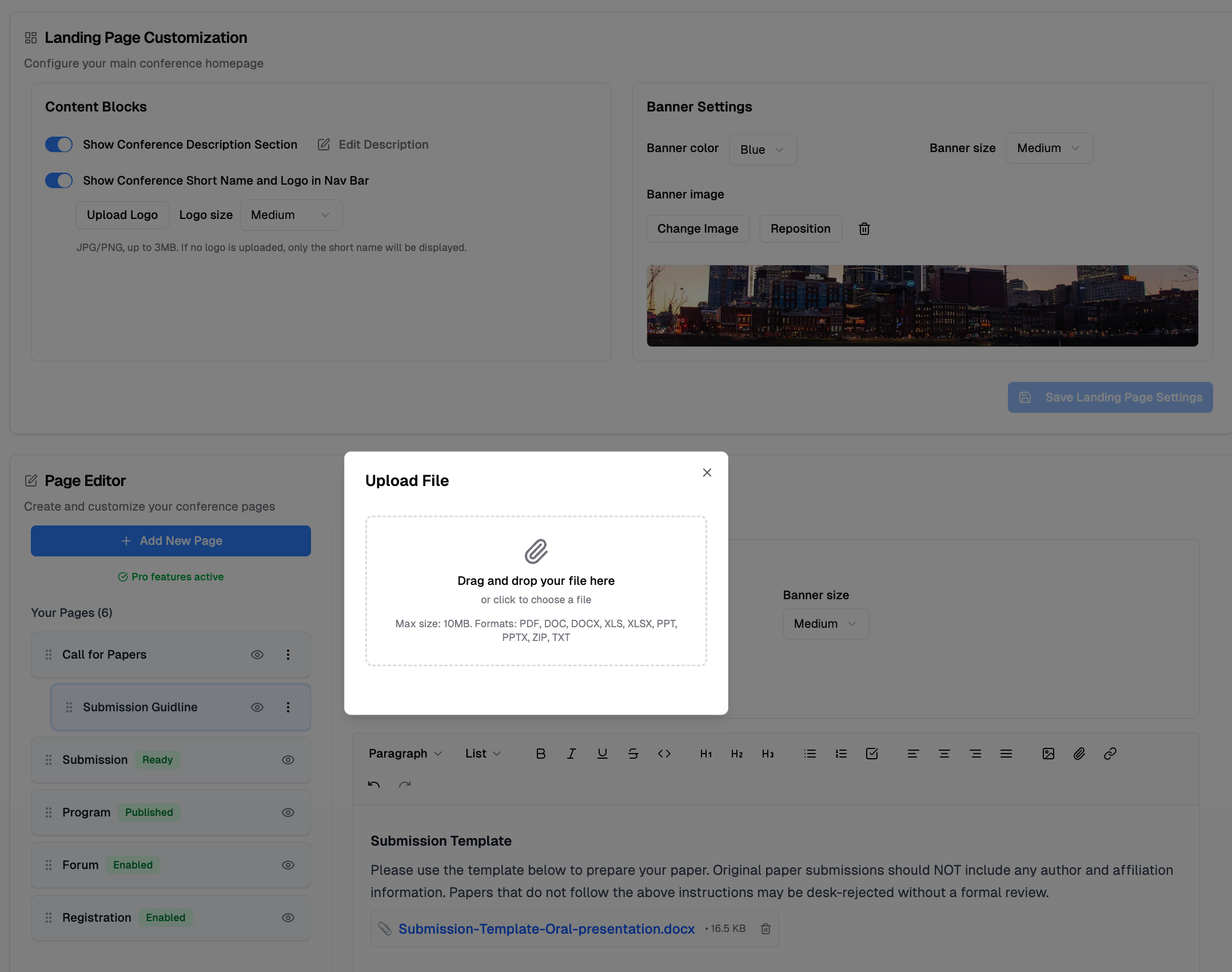
The editor supports headers, bold/italic/underline, bullet and numbered lists, checklists, code blocks, image uploads, file attachments, and external links — no code required.
Integrated Features
System pages sync with your conference data automatically:
| Page | What It Does |
|---|---|
| Submission | Authors see tracks with deadlines and submit directly |
| Program | Your published schedule with search and mobile support |
| Registration | Sign-up forms with registration types and Stripe payments |
| Forum | Discussion threads for attendees to connect |
Enable only the pages you need. Each updates in real time as you manage your conference.
Custom Domain
Give your conference a professional address. Connect your own domain (e.g., icai2025.org) and visitors will find you there.
Preview & Publish
Click "View Public Page" at any time to see exactly how your site looks to visitors. Changes publish instantly — no build step required.

Related Docs
- Create Conference Website — Step-by-step setup guide
- Create a Site Request — Request a new conference site