
Respond to Reviews
Reply to each review — and to the AI review — during the author response (rebuttal) period
When a conference enables author responses, each review on your reviews page carries its own Responses thread — reply to a specific review right under it, clarify misunderstandings, answer that reviewer's questions, and describe changes you've made. Reviewers and chairs can reply in the thread, and reviewers may update their reviews based on your response.
Respond to a Review
- Go to Submissions in the sidebar and open your submission
- Click "View Reviews" — every released review card ends with a Responses section showing your deadline
- Write your response in the review's "Respond to this review…" box and click "Post Response"
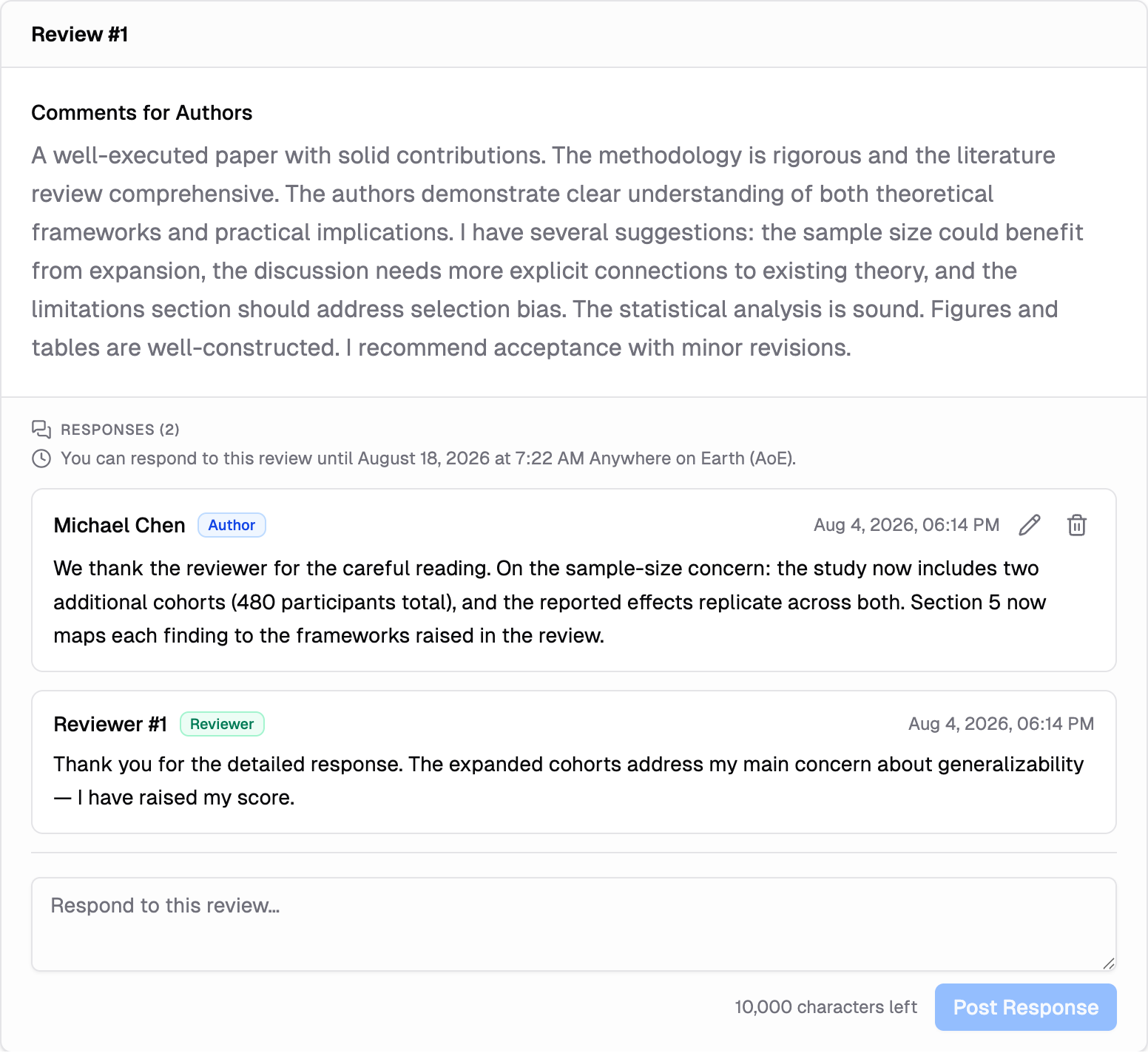
Each review has its own thread, so respond to Review #1 and Review #2 separately — the right reviewer sees the right response. You can post more than once while the window is open, for example a follow-up when a reviewer asks a question.
Respond to the AI Review
If the chairs shared an AI review of your submission — and turned on responses for it — it appears as its own card with its own Responses thread. Unlike the review threads above, this one is not tied to the rebuttal window: it opens as soon as the review is shared and has no deadline.
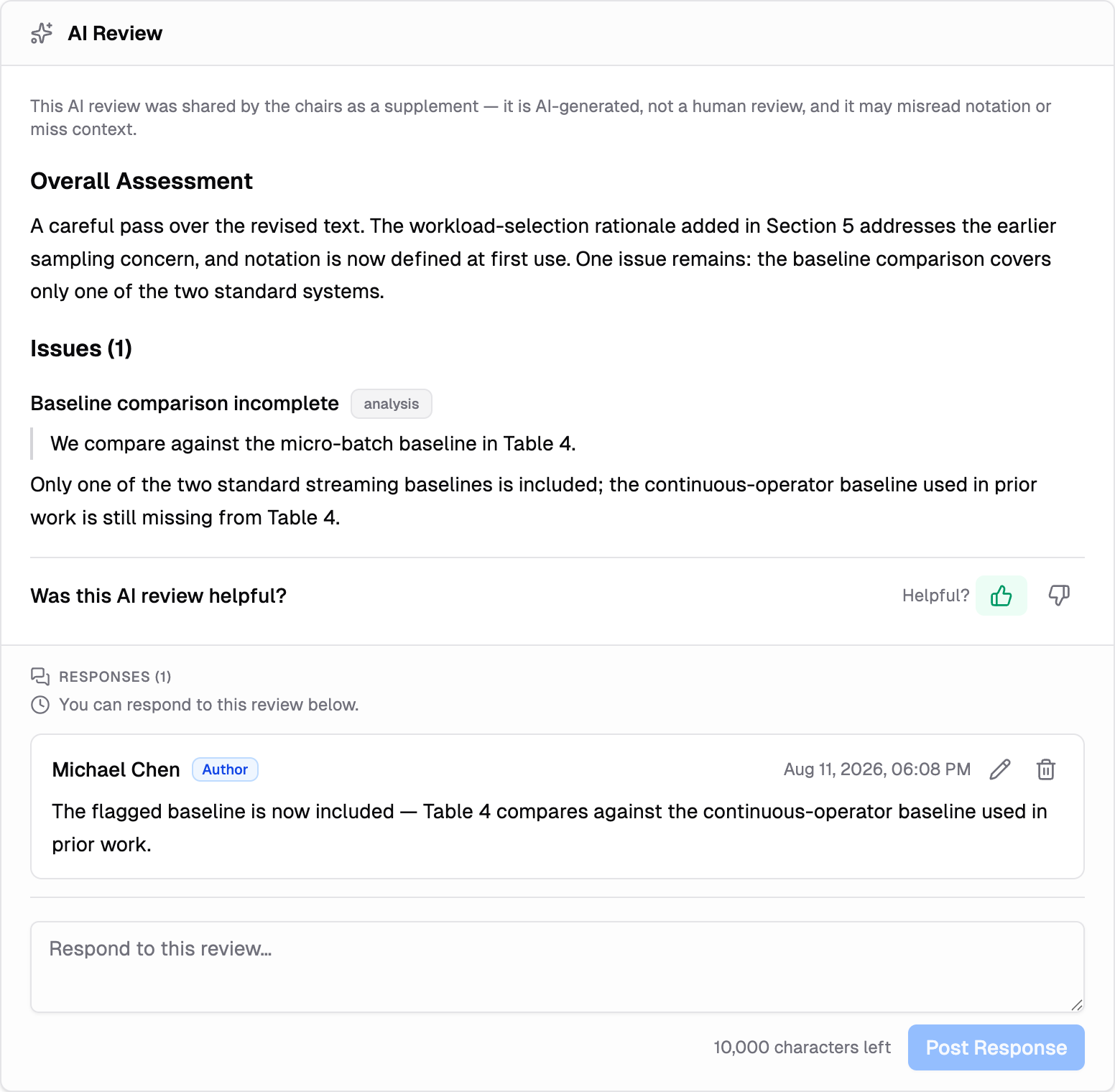
A Discussion section at the bottom of the page remains for conversation that isn't about one specific review.
Edit or Delete a Response
While the response window is open, use the pencil icon on your own response to edit it, or the trash icon to delete it:
- An edited response shows an "Edited" marker next to its timestamp — click it to see your earlier versions. The committee can also see the edit history, so edit to clarify, not to rewrite the record.
- A deleted response isn't silently removed: the thread keeps a short note showing a comment was deleted, so replies to it still make sense.
Who Sees Your Response
A response to a review is visible to everyone who can see that review — the chairs, the editors, and (for their own review) the reviewer it answers. On blind-review tracks, reviewers appear as "Reviewer #1", "Reviewer #2", and so on — matching the numbering of the review cards — and your responses may appear to reviewers as "Authors" rather than your name.
Tips for a Good Response
- Respond under the right review — each thread goes to that review's reviewer, so keep point-by-point answers where they belong
- Be specific: point to the exact concern in the review and state what you changed or why you disagree
- Stay professional — chairs read the whole exchange when making decisions
- Watch the deadline: after it passes, the threads become read-only for you
Not seeing a Responses section?
The conference may not have enabled author responses, or your reviews haven't been released yet. The status line will say "You will be able to respond once reviews are released" when the feature is on but reviews are still pending.