
Signing In
Sign in to PaperFox with your password or a passwordless email link, and what to do when you forget your password or your email isn't verified
Two Ways to Sign In
Go to paperfox.ai/signin (or click Sign In from the top of any public page) to reach the sign-in form. You'll see two options.
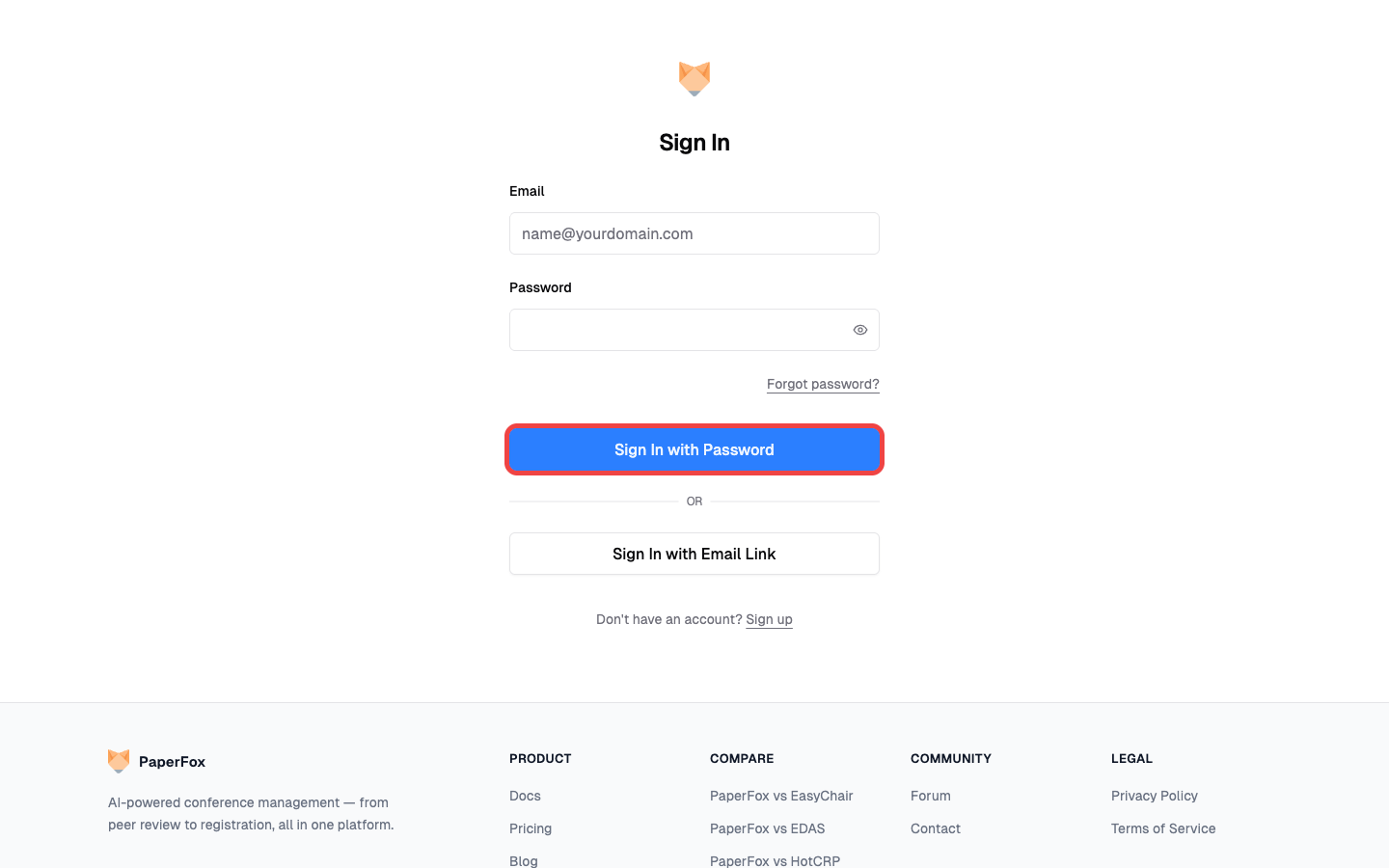
Option 1: Password
- Enter your Email
- Enter your Password (click the eye icon to show what you typed)
- Click "Sign In with Password"
You'll land on your dashboard.
Option 2: Email Link (Passwordless)
If you'd rather not type a password — or you've forgotten it and don't want to reset right now — use the email link instead.
- Click "Sign In with Email Link"
- Enter your Email
- Click "Send Sign-In Link"
- Open the email PaperFox just sent and click the link inside
- Click "Sign In" on the page that opens
The link expires in 24 hours, and each link works only once.
If You Forgot Your Password
Click "Forgot password?" below the password field. PaperFox emails you a reset link; clicking it opens a page where you set a new password.
If Your Email Isn't Verified Yet
If you try to sign in before verifying the email from your sign-up email, the form shows a red warning and a Resend verification email button. Open the verification email, click the link, then click Verify Email on the page that opens — you'll be taken back to the sign-in page to try again. (The extra click is deliberate: it keeps automated email scanners from acting on the link before you do.)
Sign in with any of your verified emails
You can sign in with any verified email address linked to your account, not just the one you originally signed up with. See Managing Your Email Addresses for how to add more.
Don't Have an Account?
Click "Sign up" at the bottom of the sign-in form to create one. After signing up, you'll need to verify your email before you can sign in.