
Track Chairs
Conflict of Interest Check
Use AI to check review assignments for conflicts of interest
AI Conflict of Interest (COI) Check validates all review assignments in your track to detect potential conflicts of interest between reviewers and paper authors.
Accessing COI Check
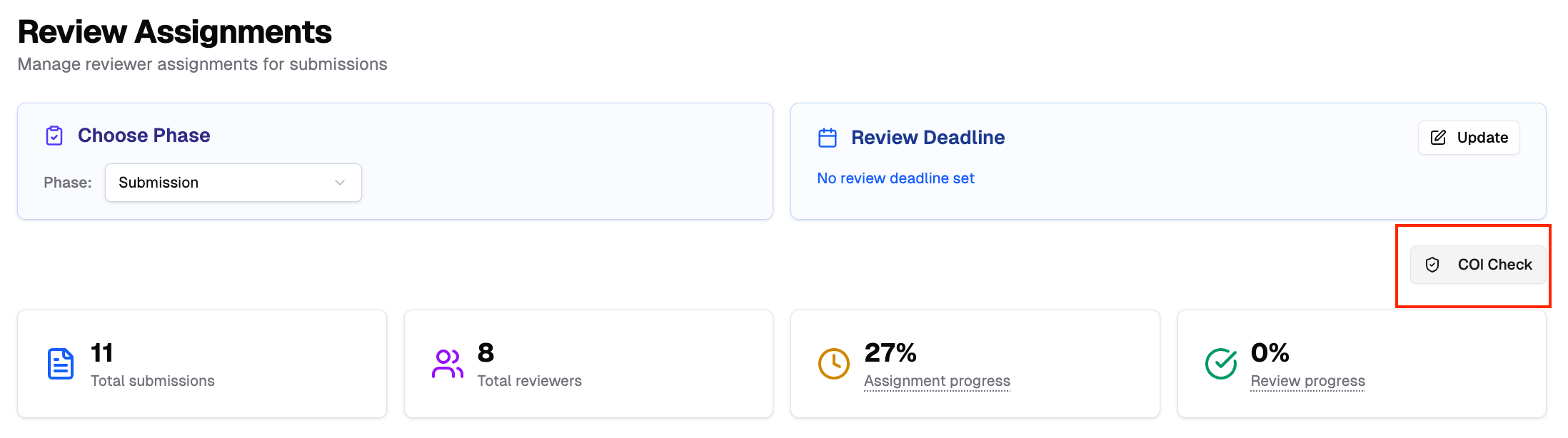
- Navigate to your track's Review Assignments page (see Review Assignment guide)
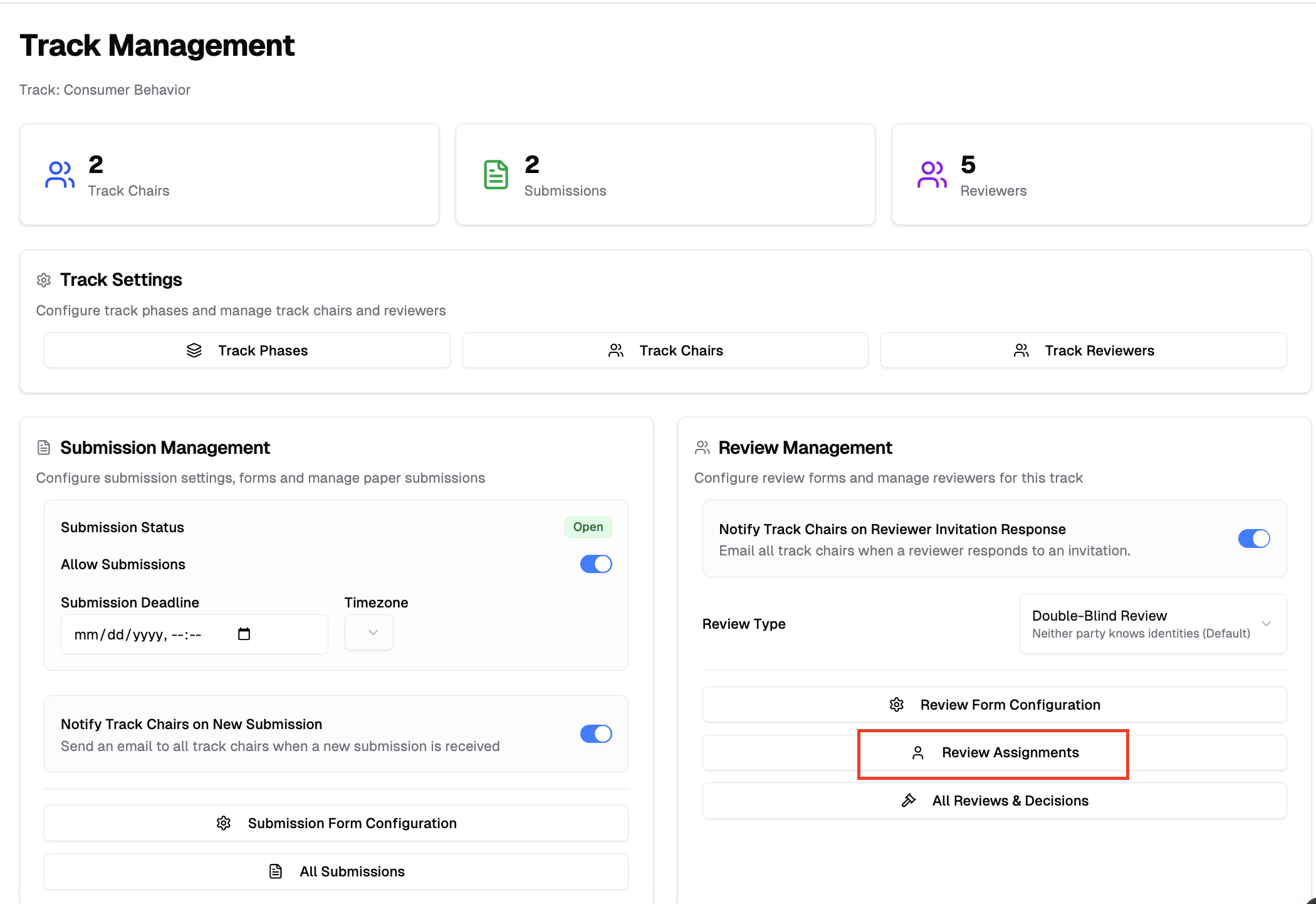
- Click COI Check in the navigation or top right area
Running COI Check
- Click Run COI Check button
- Wait while the AI checks all assignments (1-5 minutes depending on volume)
- Review the results when complete

What COI Check detects:
- Same-affiliation conflicts between reviewers and authors
- Co-authorship relationships
- Matches against reviewers' declared COI profiles
- Other collaboration patterns
Understanding Results
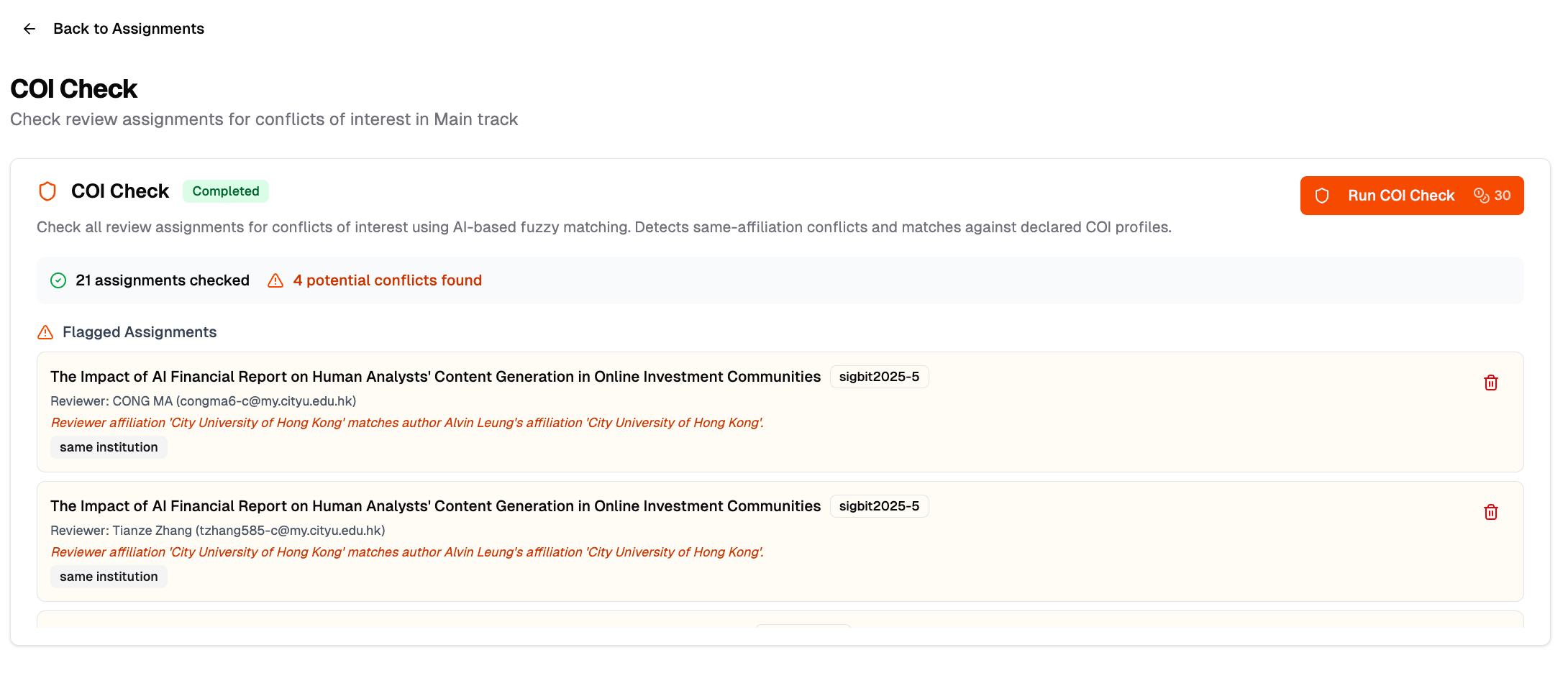
After the check completes, you'll see:
Summary
- Total number of assignments checked
- Number of potential conflicts found
Flagged Assignments Each flagged assignment shows:
- Paper title and ID
- Reviewer name and email
- Conflict type (e.g., same affiliation, co-author)
- Reasoning provided by the AI
Handling Flagged Assignments
For each flagged conflict, you can:
- Review the reasoning — Check if the detected conflict is valid
- Delete the assignment — Click the delete icon to remove the conflicted assignment
- Reassign manually — Go to Review Assignments and assign a different reviewer
Check History
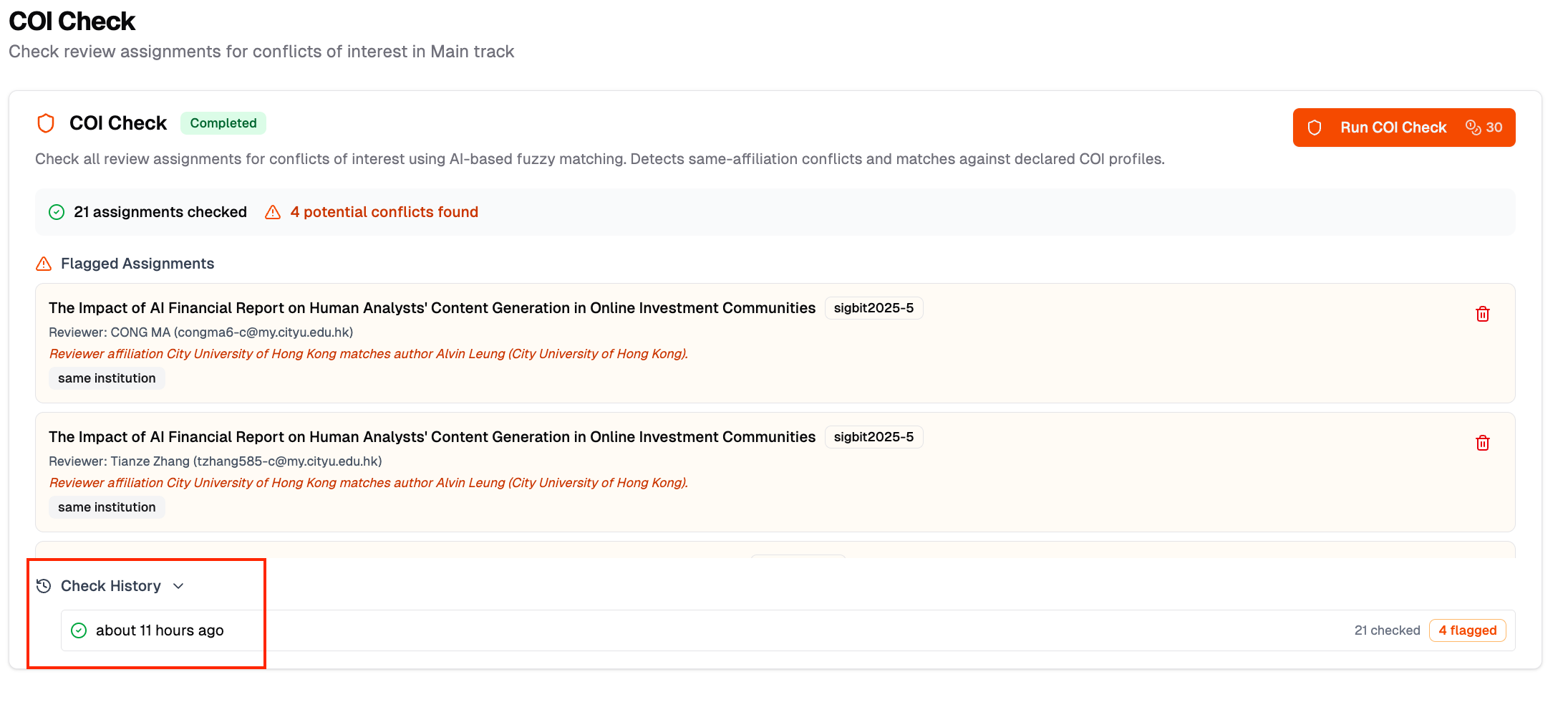
After running at least one check, a collapsible Check History section appears at the bottom of the COI Check card. Click to expand and view:
- When the check was run
- Number of assignments checked
- Number of conflicts flagged
Related
Users can declare their own conflicts via AI COI Discovery.