
Remind Unregistered Authors
Find accepted papers without a registered author and send a reminder in one click
Conference rule: at least one author of every accepted paper must register for the paper to be included in the program. PaperFox tracks this automatically — papers with zero registered authors show up in a dedicated report so you can chase them.
Open the Report
- Go to Conferences in the sidebar, then click your conference.
- Under Registration Management, click "Registration Overview" → "View All Orders".
- Click "Remind Unregistered Authors" in the top right.
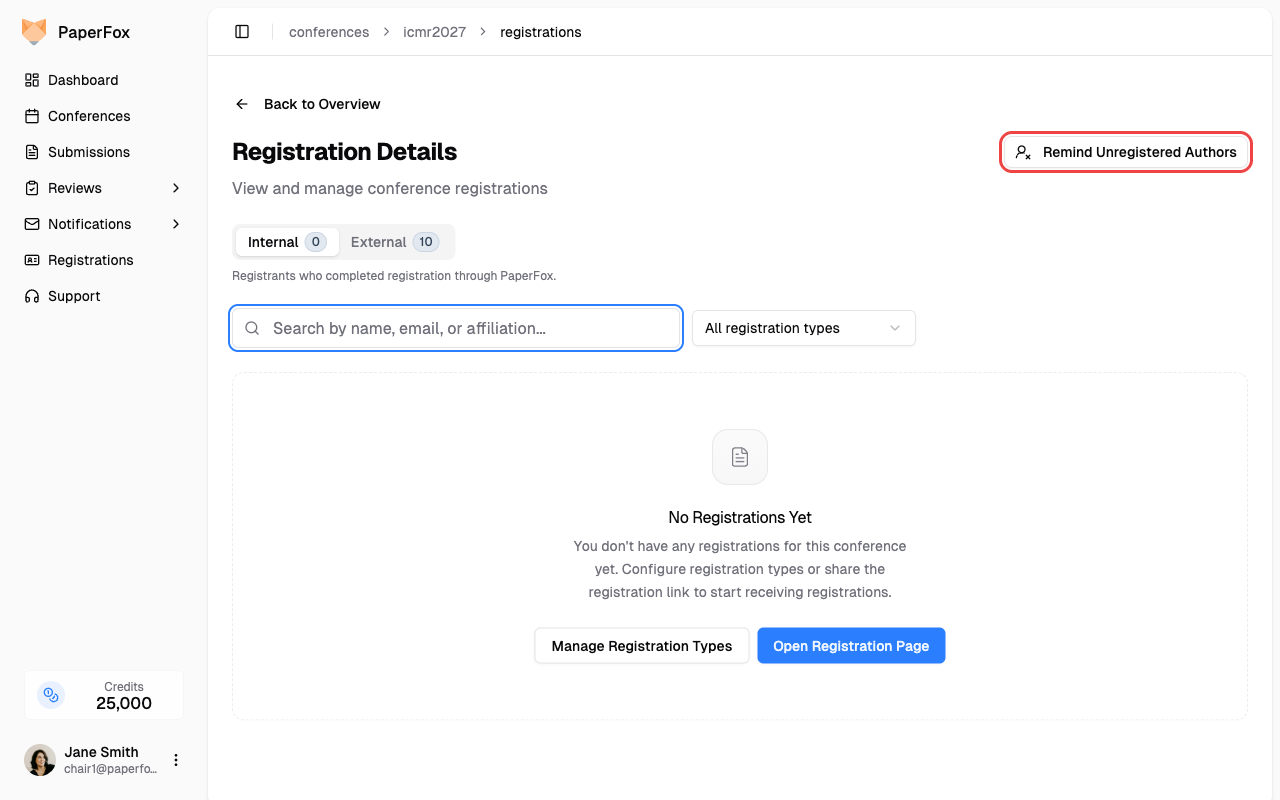
The button only appears when there's at least one accepted paper without a registered author.
What You See
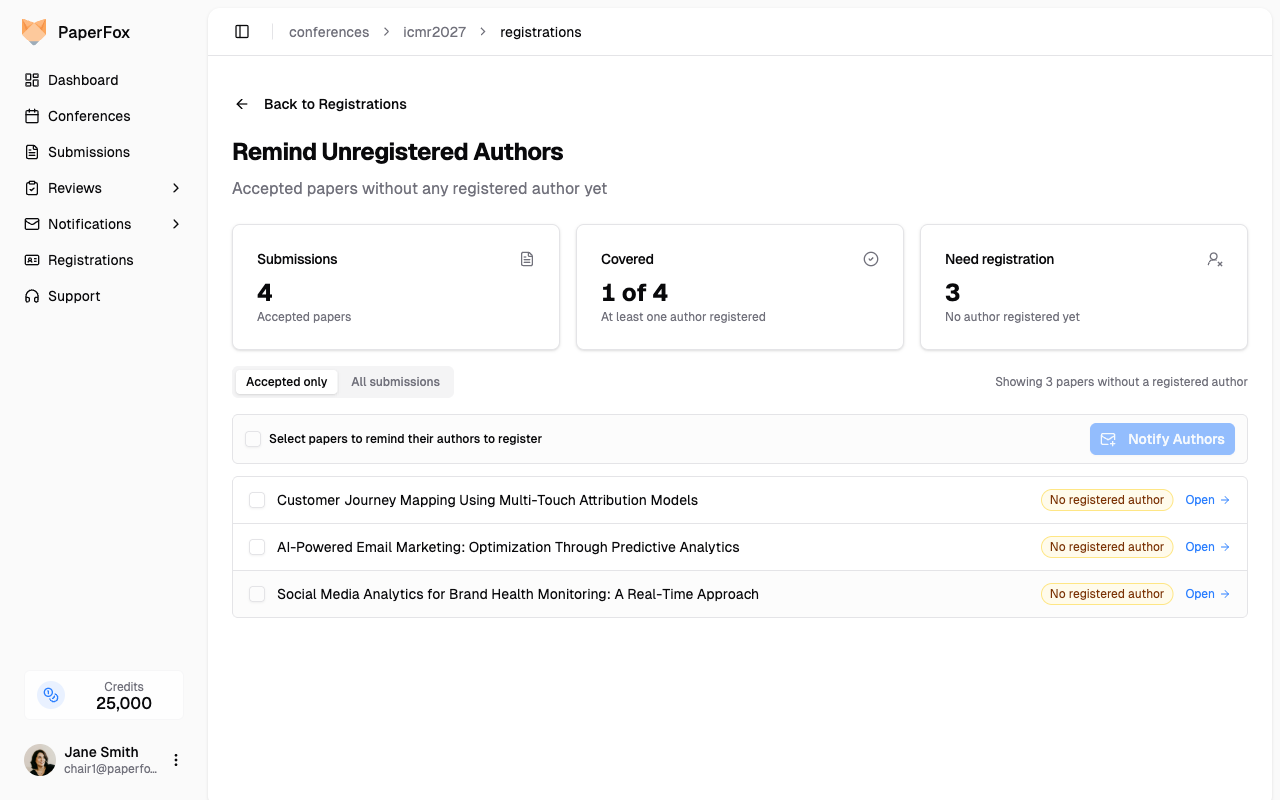
| Stat | Meaning |
|---|---|
| Submissions | Accepted papers in scope (filter pill above the list controls this). |
| Covered | Papers that already have at least one registered author — nothing to do. |
| Need registration | Papers with zero registered authors. These need a reminder. |
The list below shows every paper without a registered author. Click a row to expand it and see the paper's track and full author list (with email and corresponding-author flag). Click "Open" to jump to the submission detail.
By default the report is filtered to Accepted only. Switch to All submissions if you also want to chase authors of papers still under review.
Send Reminders
- Tick the checkboxes next to each paper whose authors you want to email. Use the top-row checkbox to select all.
- Click "Notify Authors".
PaperFox routes you to the Notification Composer with the Registration Reminder template pre-loaded and recipients restricted to the authors of the papers you selected. You can:
- Edit the subject and body (Mustache placeholders like
{{authorName}}and{{paperTitle}}are filled in per-recipient). - Preview before sending.
- Send when ready.
After the email goes out, refresh the report. As authors register, papers move from Need registration to Covered automatically — both sources count: paid PaperFox registrations and your external imports.
Discoverable from the Notifications hub
The same flow is reachable from Notifications → Context-Aware → Remind Authors to Register. That card links directly to this report when there's anything to chase.