
Setup Export & Import
Reuse setup from a previous conference — export its configuration as a file and import it into a new edition instead of starting from scratch.
Running a new edition of the same conference? Use Setup Export & Import to export the previous edition's setup as a file, then import it into the new conference — tracks, forms, phases, decision types, website content, and registration setup all carry over.
What Transfers
The setup file is split into sections you can pick individually, on both the export and import side:
| Section | What it contains |
|---|---|
| General Settings | Visibility and feature flags, notification defaults, upload size limit, committee email intro/signature |
| Decision Types | Built-in and custom decision types |
| Default Forms | Conference-level default submission and review form fields |
| Tracks & Phases | Track structure with review settings, phases, per-track forms, and compliance rules |
| Website | Public page layout settings and page content |
| Registration | Registration form and registration types |
What never transfers
The file contains configuration only. Deadlines and dates, submissions, reviews, registrations, people (chairs, reviewers, committee), uploaded images, and billing/payment settings are never included. Imported phases arrive with empty deadlines for you to fill in.
It also says nothing about whether your conference is open. However the previous edition was left, importing leaves submissions closed on every track, the late-submission link off, and registration switched off — whichever sections you picked. Open them yourself once the imported configuration looks right.
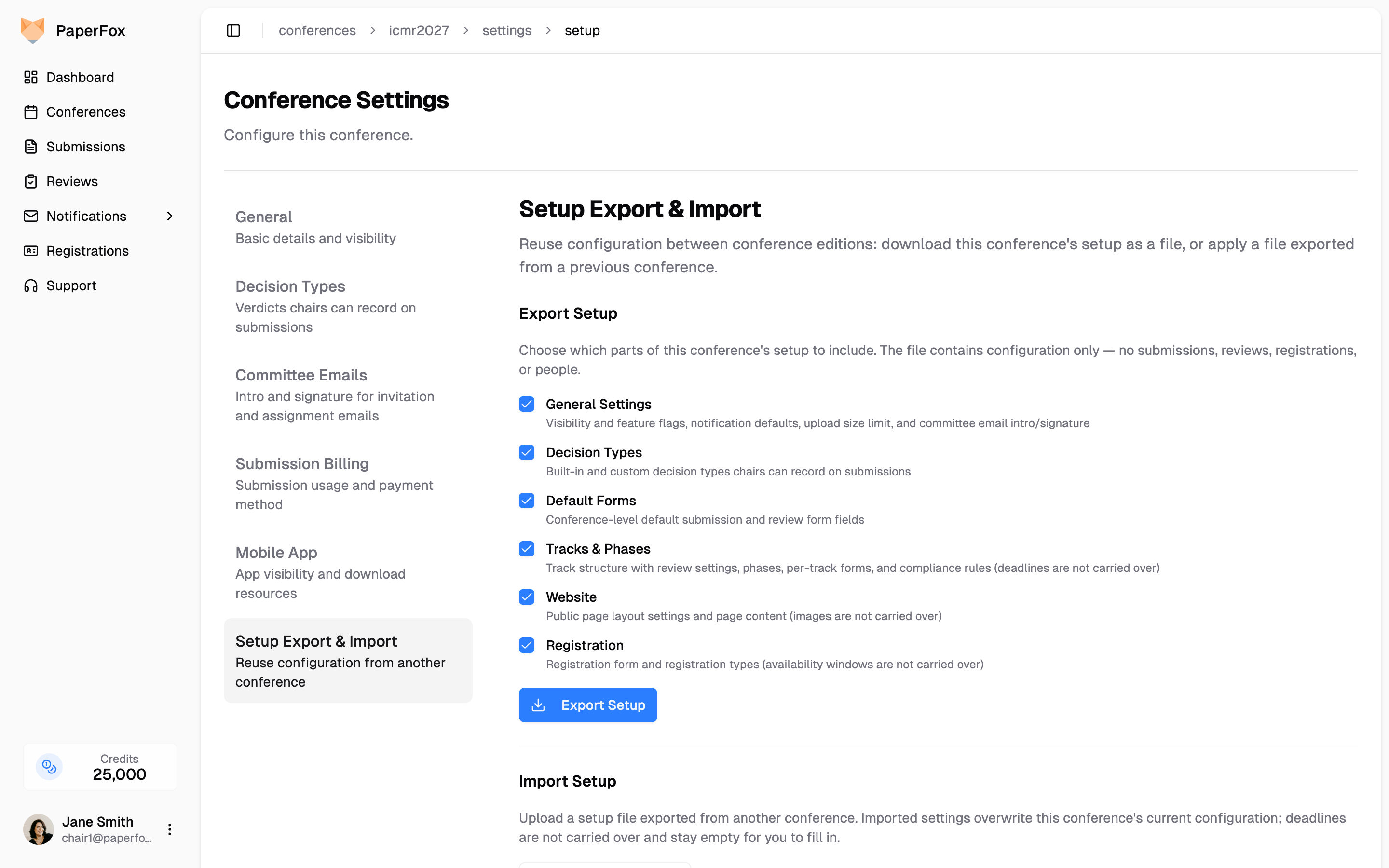
Export the Setup
- In the previous conference, go to Conference Settings → Setup Export & Import
- Untick any sections you don't want to share — all are included by default
- Click "Export Setup" — a
.jsonfile downloads
Import Into the New Conference
- In the new conference, go to Conference Settings → Setup Export & Import
- Click "Choose Setup File" and select the exported
.jsonfile - A preview shows which conference the file came from and which sections it contains — untick anything you don't want to apply
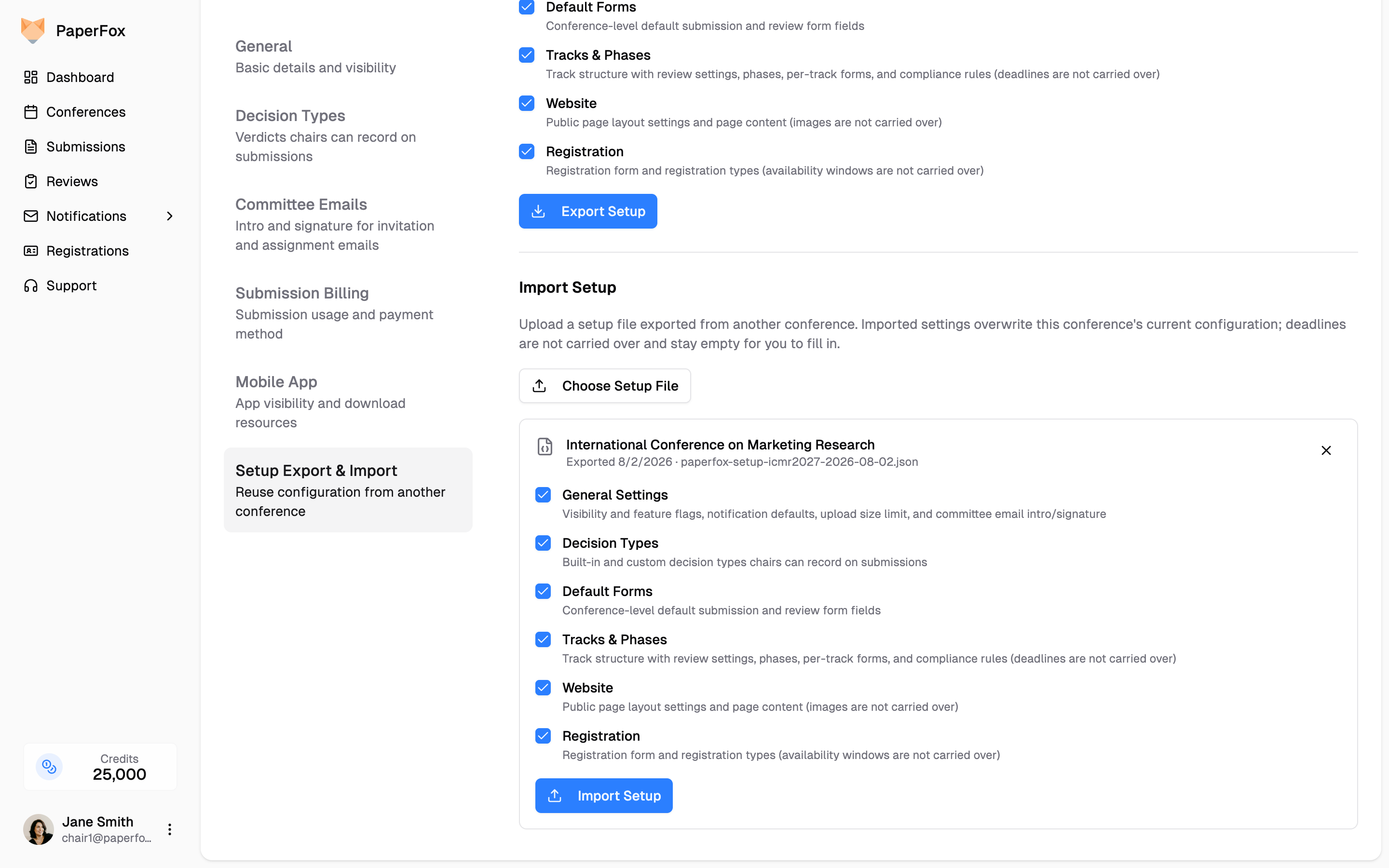
- Click "Import Setup" and confirm
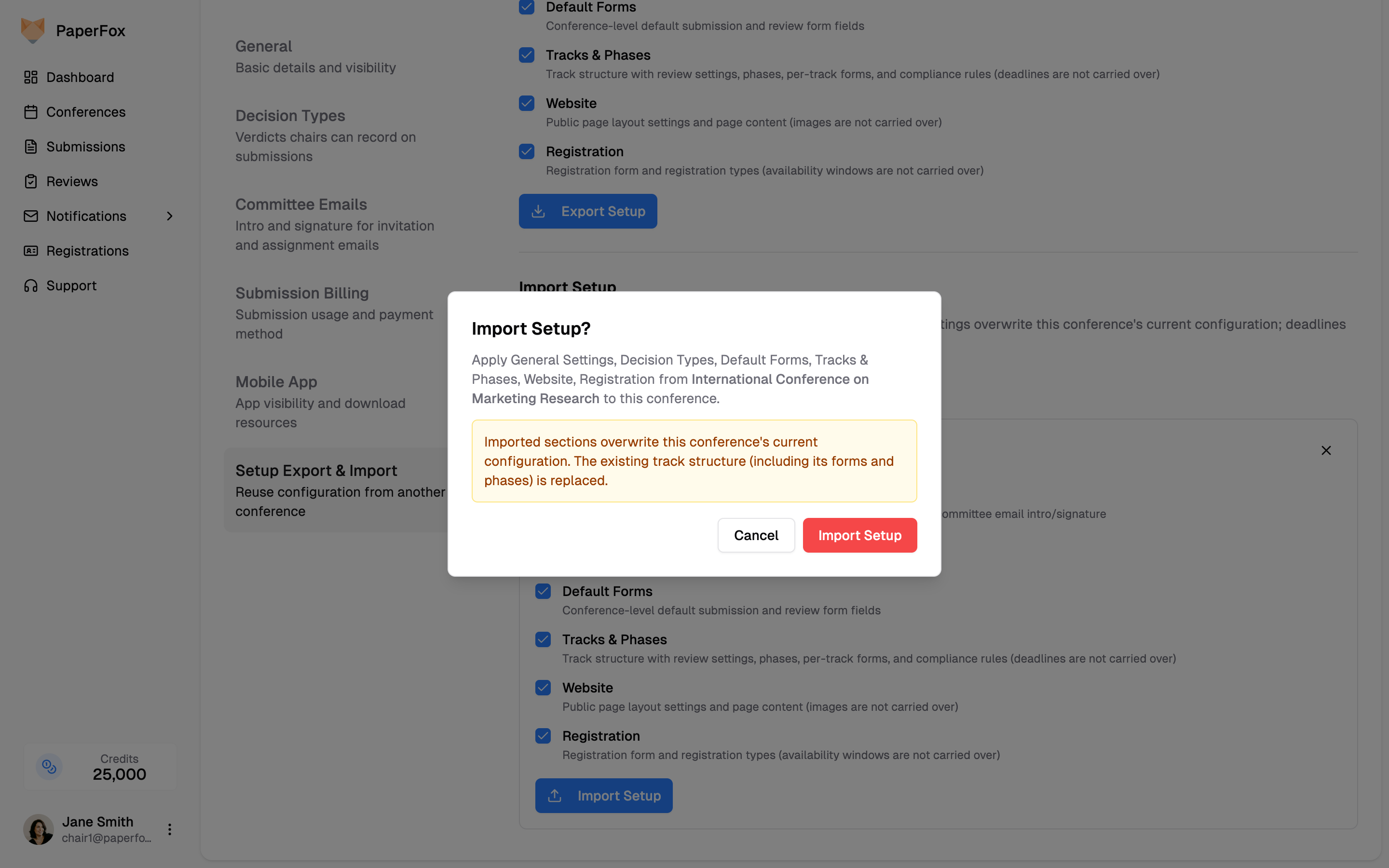
Importing overwrites
Imported sections replace the new conference's current configuration for those sections — importing Tracks & Phases replaces the entire track structure, including its forms and phases.
Existing data blocks an import, so import into a new edition before you start filling it in:
- The whole import is unavailable once the conference has any submissions.
- Tracks & Phases is blocked once reviewers or track chairs have been added — replacing the track structure would remove them.
- Registration is blocked once any registrations exist.
Blocked sections are shown disabled with the reason, so you can still import everything else.
After Importing
A few things need fresh input in every edition:
- Set submission, review, and revision deadlines — they always import empty
- Open submissions and switch registration on when the imported configuration looks right
- Re-upload the website banner image, if you use one
- Invite your committee — chairs, track chairs, and reviewers are never carried over
See also: Create Tracks, Configure Conference Forms, Set Up Registration