
List Your Conference in the Mobile App
Make your conference discoverable in the PaperFox mobile app so attendees can browse the program on their phones
Conferences are not listed in the PaperFox mobile app by default. Turning the listing on puts your conference in the app's browse list, where attendees can find it, save it, view the published program, and join forum discussions.
Publishing the program lists you automatically
The mobile app is most useful once your program is published — attendees open the app to check the schedule. So when you publish the program, PaperFox turns Show in Mobile App on for you and confirms it with a toast that links to this settings page. See Program Management for publishing the program.
Enable Mobile App Listing
If your conference does not use the program builder, or you turned the listing off after publishing, enable it by hand:
- Navigate to Conferences → your conference → Settings → Mobile App in the sidebar
- Toggle "Show in Mobile App" on
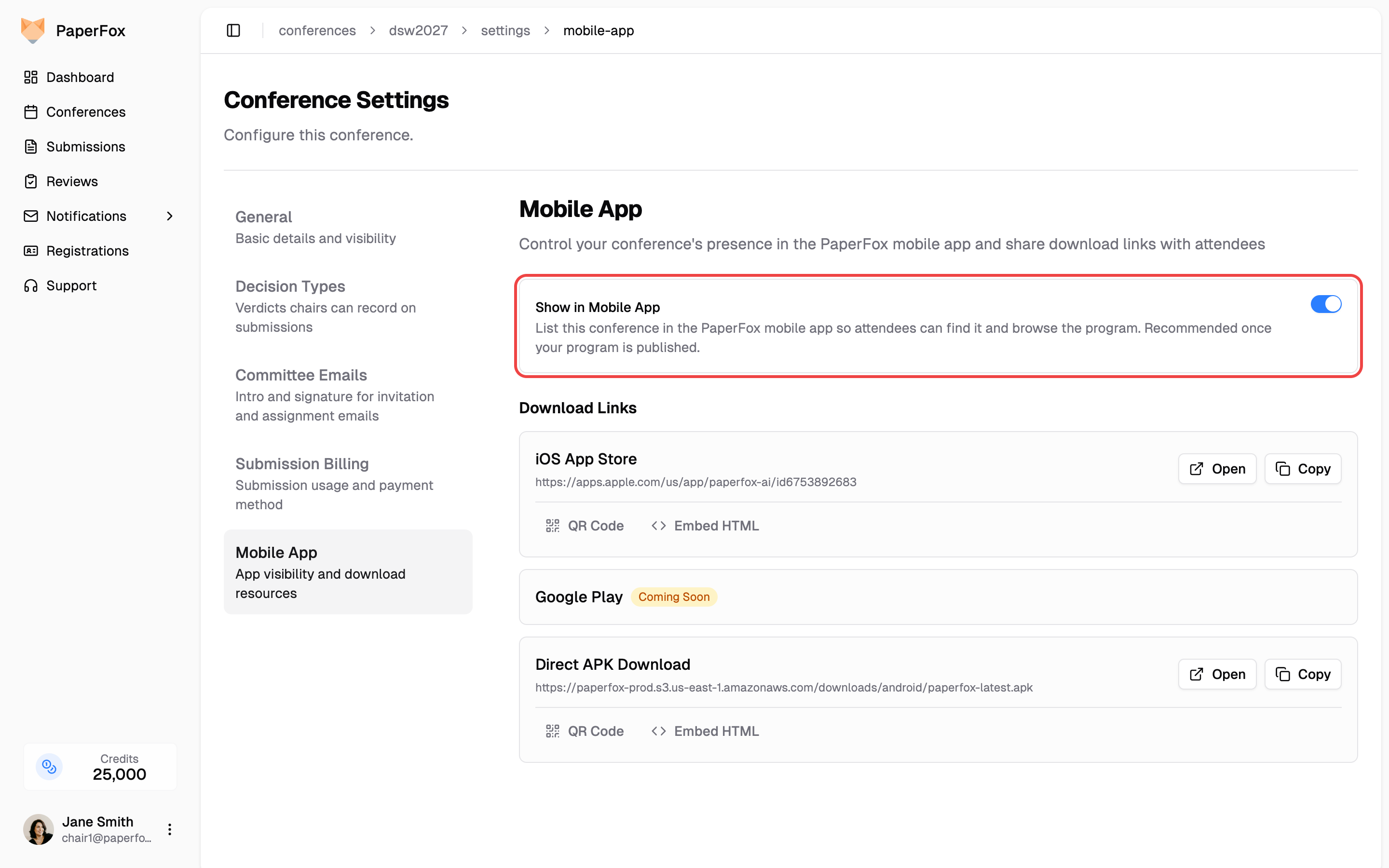
The change takes effect immediately — no app update is required. Toggle it off at any time to remove the conference from the app's browse list. Publishing the program again re-enables the listing, so turn it off after publishing if you want the program on your website but not in the app.
Note: people with a role in your conference (chairs, track chairs, reviewers, authors) always see it in the app under their Involved tab, regardless of this setting. The toggle only controls whether the conference appears when attendees browse or search all conferences.
Share Download Links
The same Settings → Mobile App page provides the iOS App Store link and the direct Android APK download, each with a QR code and embeddable HTML button for your conference website or emails.
See also: Using the PaperFox App — what attendees can do in the app.