
Remove Reviewers
How to remove reviewers from a track, including reviewers with active assignments or completed reviews.
Removing a Reviewer
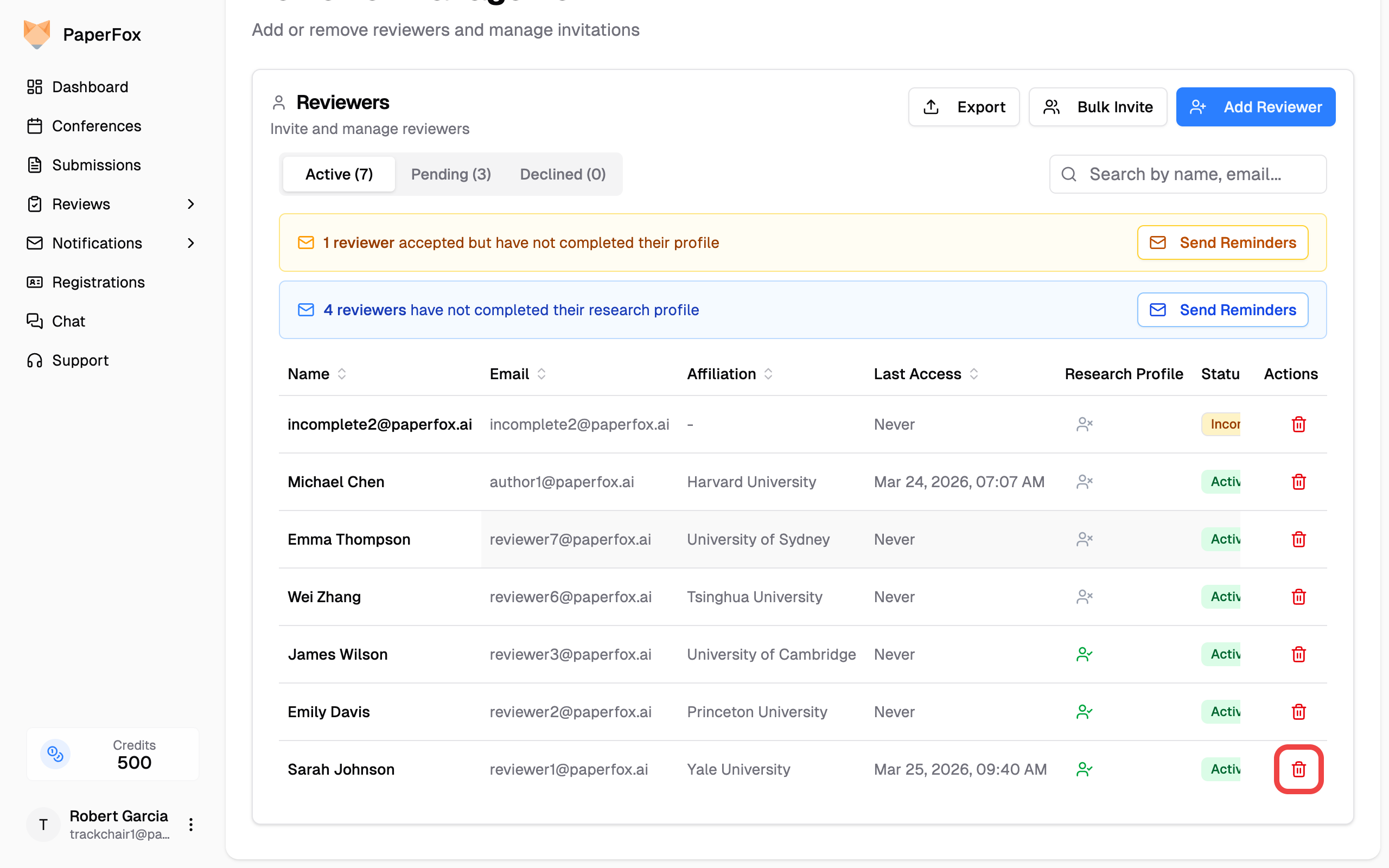
- Go to Conferences in the sidebar, click your conference, then navigate to the track
- Click "Reviewers" in the track management menu
- Find the reviewer you want to remove and click the trash icon in the Actions column
What Happens When You Remove
The behavior depends on the reviewer's activity in the track:
| Scenario | What Happens |
|---|---|
| No assignments or reviews | Removed instantly with a success notification |
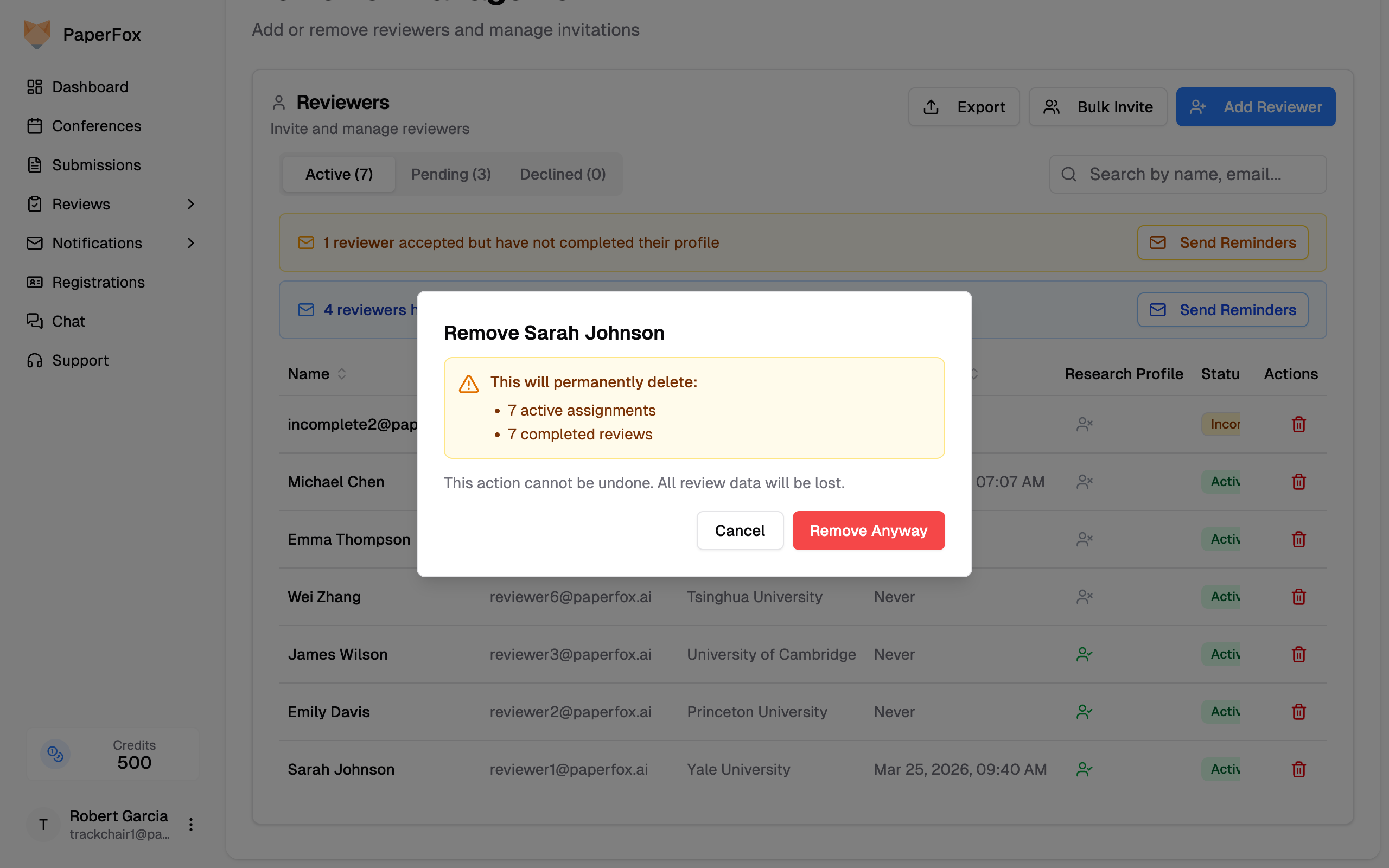
| Pending or accepted assignments only | A warning dialog lists the active assignments that will be deleted — click "Remove Anyway" to proceed |
| Started or submitted reviews | Removal is blocked — those reviews are part of the conference's permanent record and cannot be deleted |
Reviewers with Started or Submitted Reviews
Once a reviewer has started or submitted even one review, they can no longer be removed from the track. A dialog explains why:
To stop such a reviewer from doing further work, cancel their pending assignments individually from the assignment list. The reviewer themselves stays on the track.
Reviews are permanent
Reviews that have been started or submitted cannot be deleted, so a reviewer who has engaged with any assignment cannot be removed. Reviewers with only pending or accepted assignments (no started reviews) can still be removed — doing so permanently deletes those assignments and cannot be undone.